This blog will share with you: How to DIY read and clear Toyota Avensis DTC code P0420 by using $25.99 XTOOL IOBD2 Mini Bluetooth Scanner?
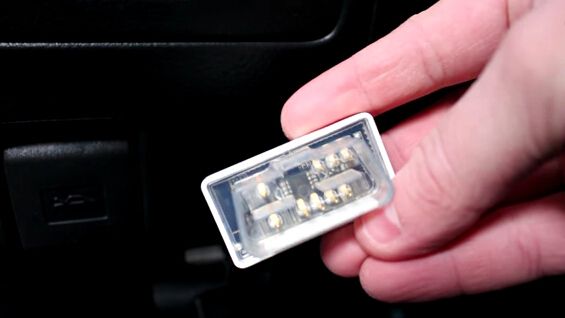
Steps: XTOOL IOBD2 Mini read clear DTC P0420 Toyota
First, you need to plug XTOOL IOBD2 Mini Bluetooth into Toyota Avensis OBD2 port.
And the LED will light when it connect to car successfully.
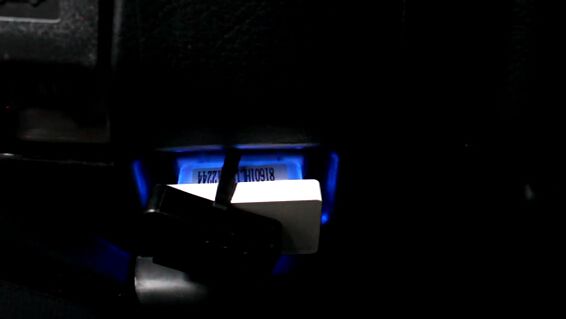
Next, open Bluetooth on your phone. (XTOOL IOBD2 Mini is compatible with both IOS and Android systems)
Open the XTOOL IOBD2 app.
XTOOL IOBD2 Mini will automatically connect with your phone via Bluetooth.
Turn ignition on.
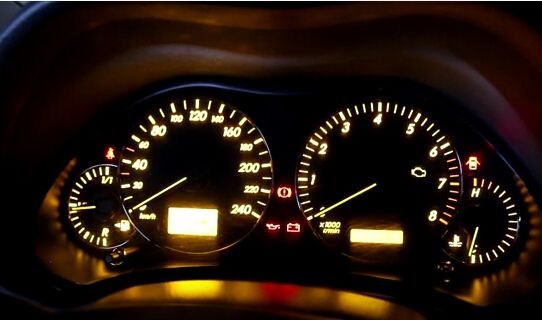
And go to “Setting” to check if the vehicle model is correct. If not, click the model to manually select Toyota Avensis.
Then, go back to the main menu and click “Diagnostics” icon.
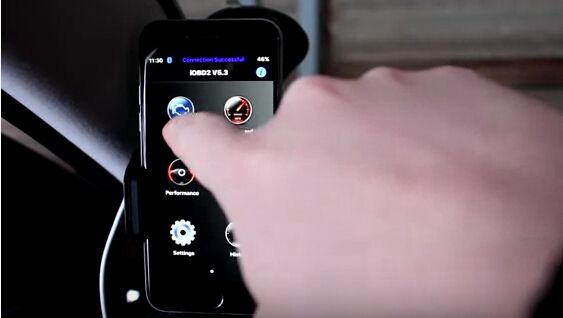
You will see the Toyota Diagnostics menu as below:
Click “Trouble Code” and wait a while.
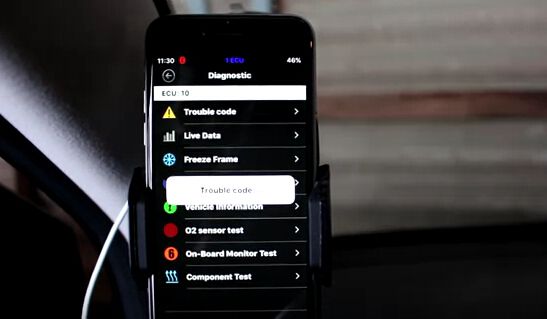
XTOOL IOBD2 Mini read out Toyota DTC code P0420 “Catalyst System Efficiency below Threshold (Bank 1)”.
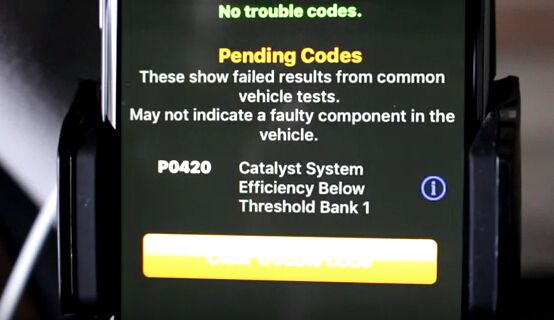
Now just click the “Clear trouble code” button and P0420 will be erased.
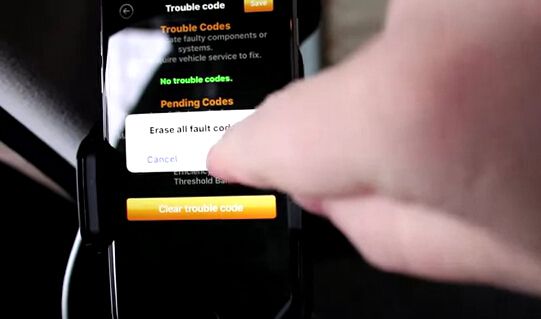
Turn ignition off then on and NO DTC code exists anymore!
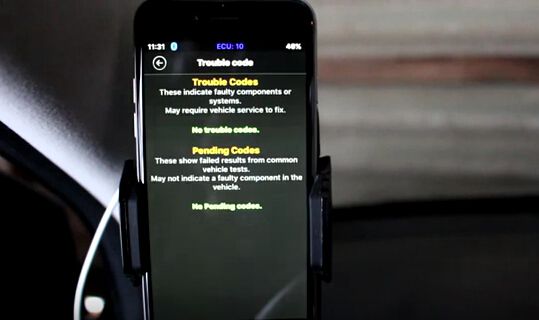
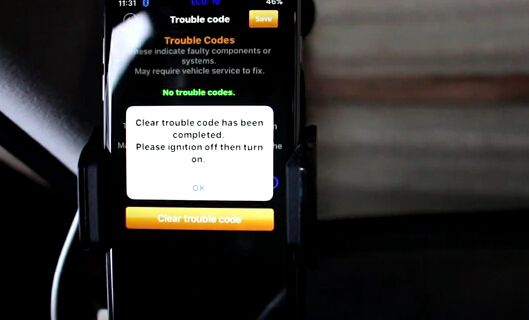
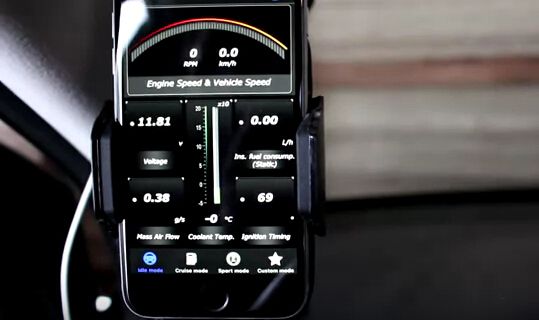
And XTOOL IOBD2 Mini can also display Toyota real-time status like engine speed…

請先 登入 以發表留言。